High Reliable Cloud Computing
Scale anytime - secure always
With a collection of components crafted to build and grow your business
Cloud Servers
Flexible, secure and fast cloud solutions with 99,95% uptime.
Learn More
Redundant Block Storage
Highly available and scalable Big Disk/Block Level Storage for your Cloud Server.
Learn More
Managed Backups
Backed-up every 4 hours, we have always got your data's back.
Learn More
Snapshots
Optimize your cloud architecture, migrations and deployments with powerful add-ons.
Learn More
NFS Shares
Tilaa offers NFS Share for secure central storage. Share files between multiple servers.
Learn More
Flexible Networks
With Tilaa's flexible networks, you can communicate between your servers securely.
Learn more
Self-managed Cloud Server
Tilaa allows you to do whatever you want with your Cloud Server (or VPS). Build your Cloud Server yourself or choose one or our special Cloud Packages. At any time, you can scale up and down indefinitely.
Next level Dashboard
The Tilaa Cloud Dashboard is a fully automated manager of your cloud infrastructure. It puts you in complete control of your Cloud Server, networking and storage, without the help of support.
Fully in Control
Tilaa Cloud Server supports all popular operating systems, control panels, and applications for a completely customized setup. Every Cloud Server is pre-installed and ready to use.
Conscious and sustainable cloud
Tilaa only uses CO2-neutral data centers that run on green energy. This is good for us, for our users and better for our environment. Furthermore, by doing so, we assist other businesses in meeting the agreed-upon CSR objectives.
Cloud Server
Metadata Service
With Tilaa's metadata service you are free to deploy a server with a template of your choice. For example, link a metadata profile to one or more servers to create user accounts, install packages, or to run custom scripts.
Resilient by design
Your data is replicated three times over multiple disks on multiple nodes. All nodes have at least two network connections to physically separate network devices, and two separate power supplies connected to two separate power grids.
We take resiliency very seriously to guarantee availability. We'll keep your data, even in case of a disk failure, node failure, power failure, or network failure.
Block Storage
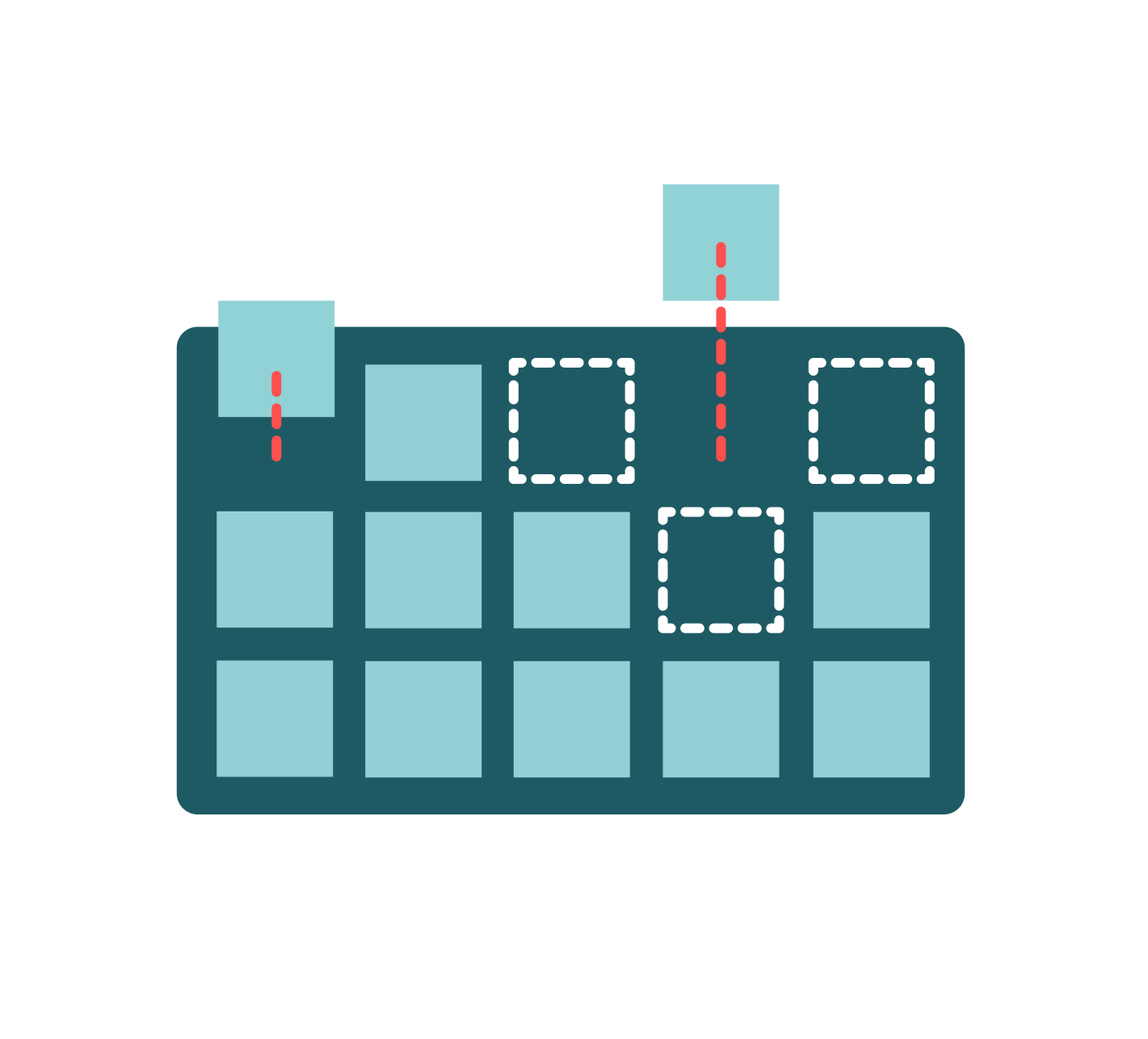
We support SSD and HDD Block Storage for every use case.
Scalable storage
With Tilaa's Block Storage you can attach up to 5 Block Storage volumes, with a maximum storage capacity of 20 TiB each.
You can seamlessly adapt the storage necessary by attaching, detaching and scaling your block storage volumes on demand, with no downtime.
Managed Backups
Not available for Windows.
Tilaa runs a backup of your Cloud Server every 4 hours, which is aggregated into 4-hourly, daily, weekly, and monthly backups. All of the data from the previous month will be safely stored in a geographically independent NL data center. Of course, we also ensure that the backup is restored quickly whenever you require it.
Location
Your backup is cross-stored among our two Dutch datacenters. This means your backup is always secured and available.
Exclusion
You decide what you want to exclude from your backups. Combine Big Disk or NFS with Managed Backup on a Cloud Server to include them in the backups.
Usage
Snapshots
Location
Your snapshot is cross-stored on our storage clusters in our two Dutch data centers. We replicate your snapshots over multiple disks and multiple hosts by default. This means your snapshots are always secured and available.
Every new snapshot is stored with a maximum of 3 months.
Share between multiple servers
NFS shares allow you to store and access data across multiple servers in your infrastructure. Mount the same storage on different Cloud Server instances to share files, centralize assets, or support clustered applications. This makes it easy to scale services while keeping your data consistent and accessible.
NFS Shares
This eliminates the complexity of decentralized storage by storing your data in a centralized location. Our NFS clusters offer reliable and very fast central storage based on SSD.
99.95% availability of your NFS Share guaranteed.
Managed backup for NFS shares
Combine NFS shares with Managed Backups to protect your shared data automatically. Backups run on a scheduled basis and allow you to quickly restore files when needed. This ensures your shared storage remains protected against data loss while keeping management simple.
High availability
Our NFS shares are designed for reliability, with a 99.95% availability SLA. This ensures your shared storage remains accessible for the applications and servers that depend on it. High availability is essential for workloads where downtime can disrupt services, ensuring your data stays online when you need it most.
Private Networks
Flexible Networking
Floating IP's
Standard Floating IP
A standard floating IP allows failover within the same network, protecting your application or service from downtime caused by hardware failures or planned maintenance.
-Host multiple websites on a single instance
-Easily switch services with built-in failover management
Global Floating IP
A global floating IP enables failover between our data centers, providing additional protection against datacenter outages. This runs on a dedicated network, separate from our standard network.
-Build resilient infrastructures without a single point of failure
Why choose Tilaa Cloud Server
See why Tilaa is a better solutions than the 'standard' solutions.
| Feature | Tilaa Cloud Servers | Typical VPS Providers |
|---|
| Transparent pricing | ✓ Clear pricing with no hidden infrastructure costs | Low entry pricing but additional features often cost extra |
| Uptime & reliability | ✓ 99.95% uptime SLA with redundant infrastructure | Uptime guarantees vary depending on service tier |
| EU data sovereignty | ✓ Infrastructure hosted in Dutch datacenters under EU regulations | Infrastructure often spread across multiple regions globally |
| Datacenter location | ✓ Secure, high-performance datacenters in the Netherlands | Locations vary and may be outside the EU |
| Support | ✓ Direct access to knowledgeable engineers and responsive support | Mostly ticket-based or limited support for basic plans |
| Cloud features | ✓ Built-in features like snapshots, floating IPs, backups and advanced networking | Advanced features may require additional services or upgrades |
Frequently asked questions
We’ve probably got them answered already.
Infrastructure components are additional services that extend your Cloud VPS environment. They help you add functionality such as shared storage, backups, or advanced networking. With these components, you can build a more reliable and scalable infrastructure tailored to your application.
Infrastructure components are useful when your setup requires more than a single server. For example, you may want to share storage between multiple VPS instances, create backups, or configure failover. These tools help you design infrastructures that are easier to manage and more resilient.
Not always. A single VPS can run many workloads on its own. However, components like snapshots or managed backups can still add an extra layer of protection and flexibility when maintaining or scaling your environment.
Yes. Features such as floating IPs and shared storage allow you to distribute services across multiple servers. This makes it easier to perform maintenance or recover from failures while keeping your services online.
EU cloud hosting means your infrastructure and data are hosted within the European Union and subject to EU regulations. This is important for organizations that need to comply with data protection and privacy requirements such as GDPR.
With Tilaa, your infrastructure runs in Dutch datacenters, ensuring strong data sovereignty and predictable regulatory compliance.
Yes. Infrastructure components can be configured directly from the Tilaa control panel. You can quickly add features like backups, floating IPs, or shared storage and integrate them with your existing Cloud VPS instances.
Documentation to get you started
Looking for detailed information on configuring and managing your infrastructure? Our documentation provides technical guides, configuration examples, and step-by-step instructions for all Tilaa infrastructure components. Whether you are setting up networking, storage, or automation, the documentation helps you get started quickly and integrate Tilaa into your existing workflows.
TO DOCS
Configuring desktop connections
By default, Windows Server allows up to 2 concurrent administrative sessions. If you need more users to work on the server simultaneously you must install the Remote Desktop Session Host role and purchase licenses.
Read more >
Checking Pagefile (SWAP) Usage
Read more >
Handful getting started guides
See how to utilise the power of our infrastructure.
Getting your VPS up & running
Read more >
Build your infrastructure with Tilaa
Start deploying reliable cloud infrastructure in minutes. Create your account and configure your Cloud Server with networking, storage, and automation components that scale with your needs.